Asset types
The catalog holds the types you field. It stopped being reference data the moment the console started computing from it.
A type answers, for every asset that names it: how fast does this fly, how long does it stay up, what can it be commanded over, and what does it carry.
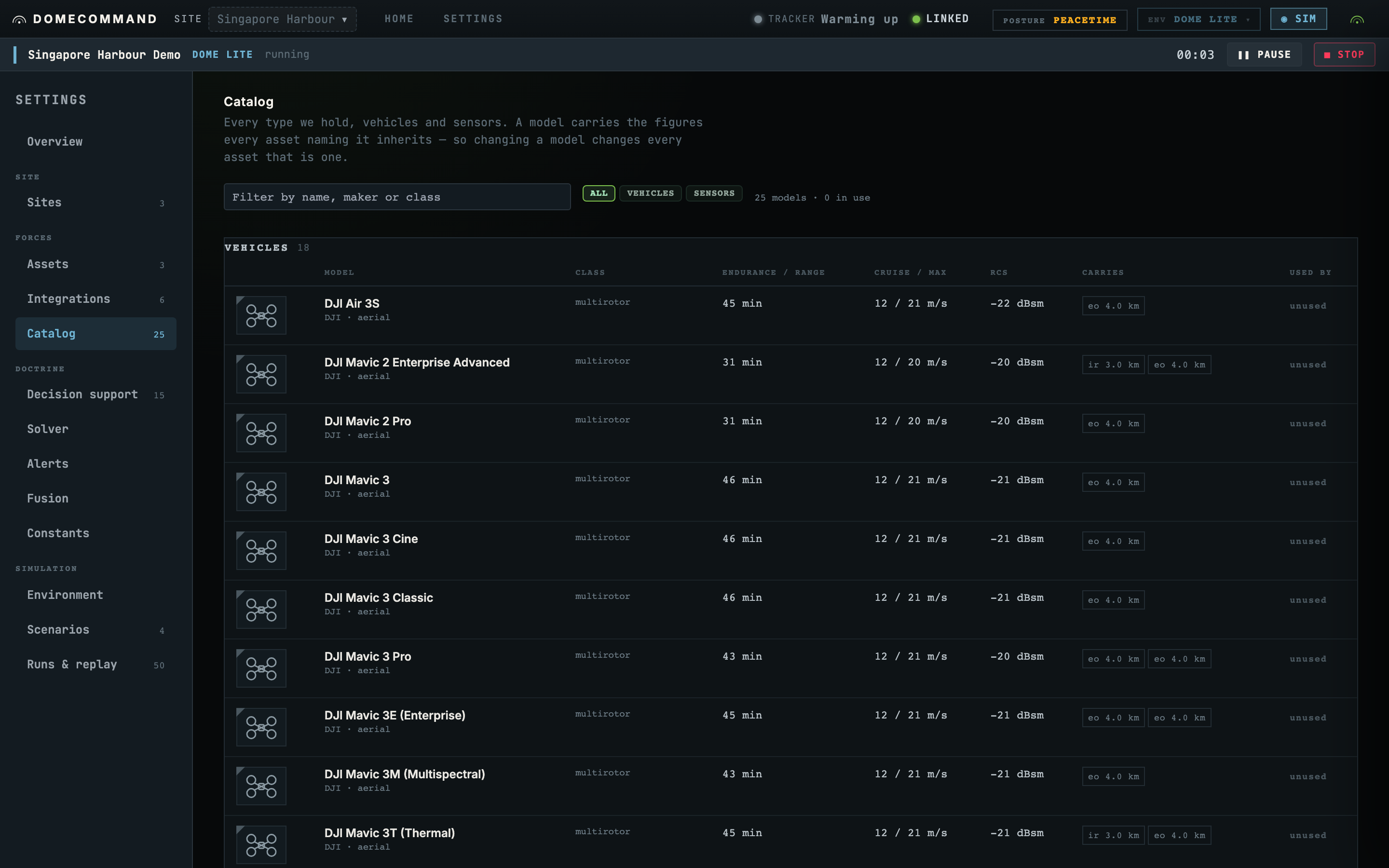
Airframes and sensor products
Airframes and sensor products sit in one vocabulary. The kind filter picks which is on screen, and each gets its own table, because you compare an aircraft to an aircraft and a mast to a mast.
Which assets use a type
Every asset inheriting from a row is listed, and every name is a link. Change this row and you change both aircraft is only legible when both aircraft are one click away.
Exact model matching
An asset whose model reads DJI Mavic3 inherits nothing, because that is not DJI Mavic 3.
Matching is exact, so a model string with a space in the wrong place matches no row.
The symptom is specific: an aircraft with no matching type reports endurance as a battery percentage rather than as minutes of flight remaining. If you see that, the model string is wrong.
Links to manufacturer specifications
Where a row links out, it links to the manufacturer or the standard. A spec sheet paraphrased into our docs is a copy that drifts, and the moment a decision depends on a number, you want the source.
What this page does not do
It does not command anything, and it does not add anything. Adding is done from Onboarding an asset. This page is about the types.
Where to go next
- Supported hardware, read out of the build itself.
- Onboarding an asset to add one.