Sites
Everything geographic hangs off a site. One of them is active, and the console is looking at it.
A site is where you are defending. It carries a position, a geofence radius, the zones drawn on it, and the assets it protects.
One site is active, and active is a state on the row rather than a dropdown somewhere else. The thing you switch and the thing you read are the same object.
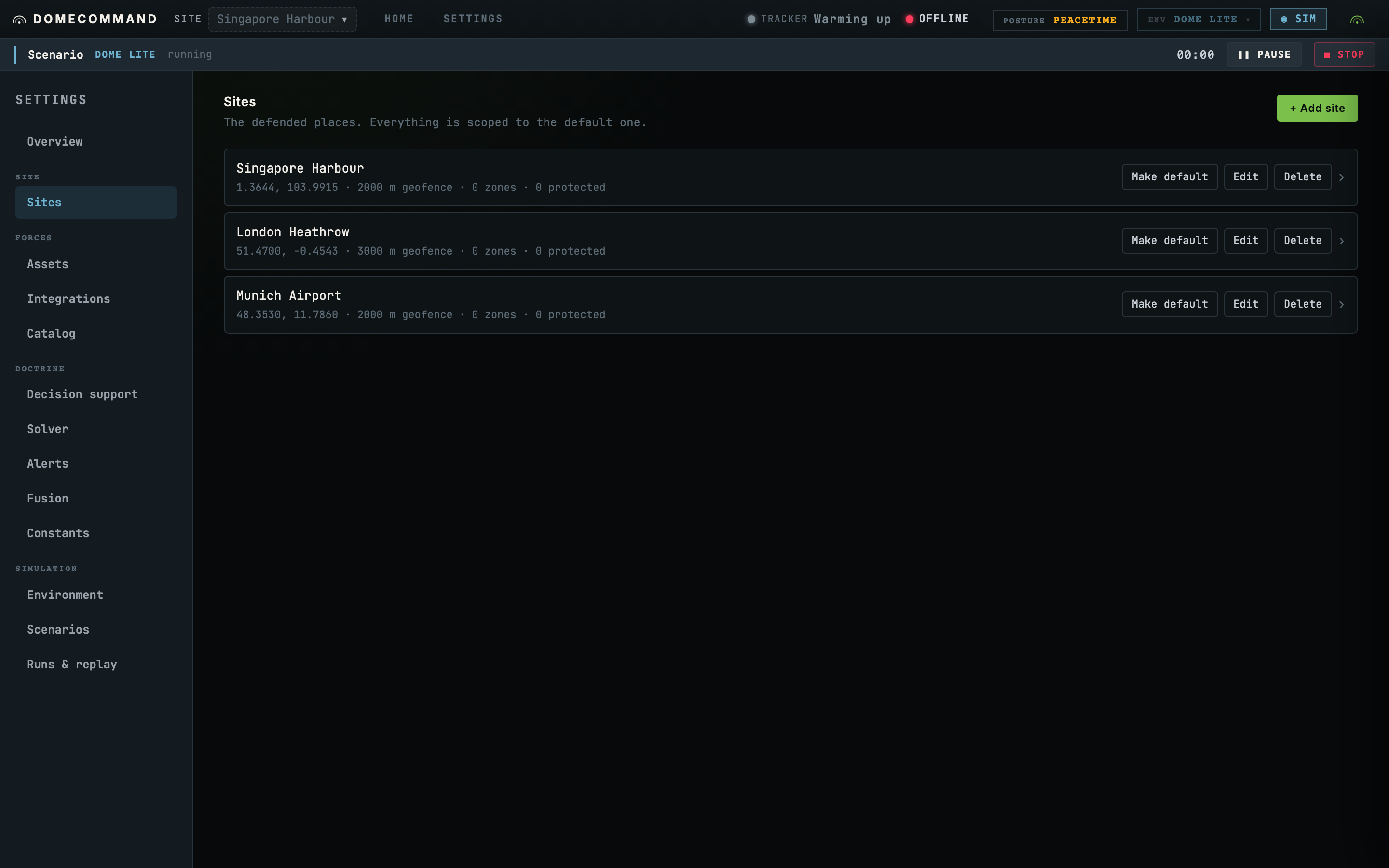
What a site holds
| Position | Where it is. Click it on the map rather than typing two numbers. |
| Geofence | The operating boundary, as a radius. Crossing it raises a reflexive alert. |
| Zones | Keep-out, jam, ISR-priority and the rest, drawn on this site. See Zones. |
| Protected assets | The things inside it worth defending, which the planner weighs coverage against. |
The site detail page
Clicking a row opens the site detail: the geofence ring, every zone drawn on it, and the protected assets inside.
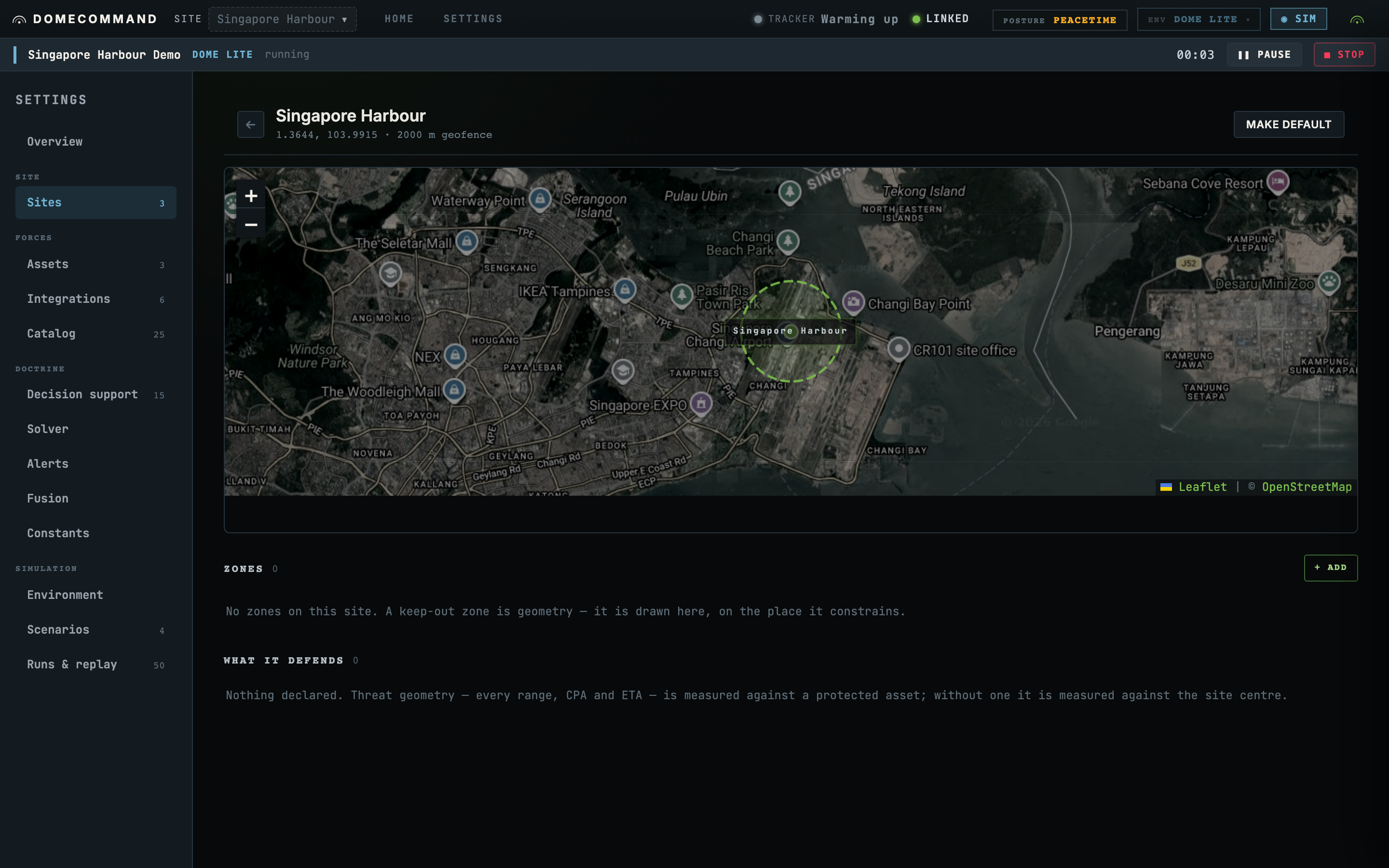
There is no separate geometry screen to go looking for. A keep-out zone is geometry, so it lives on the site it belongs to.
Site setup order
A site's position seeds every zone drawn on it, so the site has to exist before its geometry can be.
The same applies to sensors. A 300 m acoustic node with no position is a coverage radius with no origin. Its detections constrain nothing, no track can be formed from them, and the row still reads as healthy while contributing nothing. See Onboarding an asset.
Global zones
A zone can be scoped to one site or left global. A global zone renders on every site's page, chipped GLOBAL, because editing it from one site changes all the others and the row has to say so before the edit is made.
Where to go next
- Zones for what each category is read by.
- Onboarding an asset to place a sensor on this site.